
Plan service for new neighborhoods early
Get new communities above your unit count by email, then export them as a CSV for your CRM.
7-day free trial. No credit card.
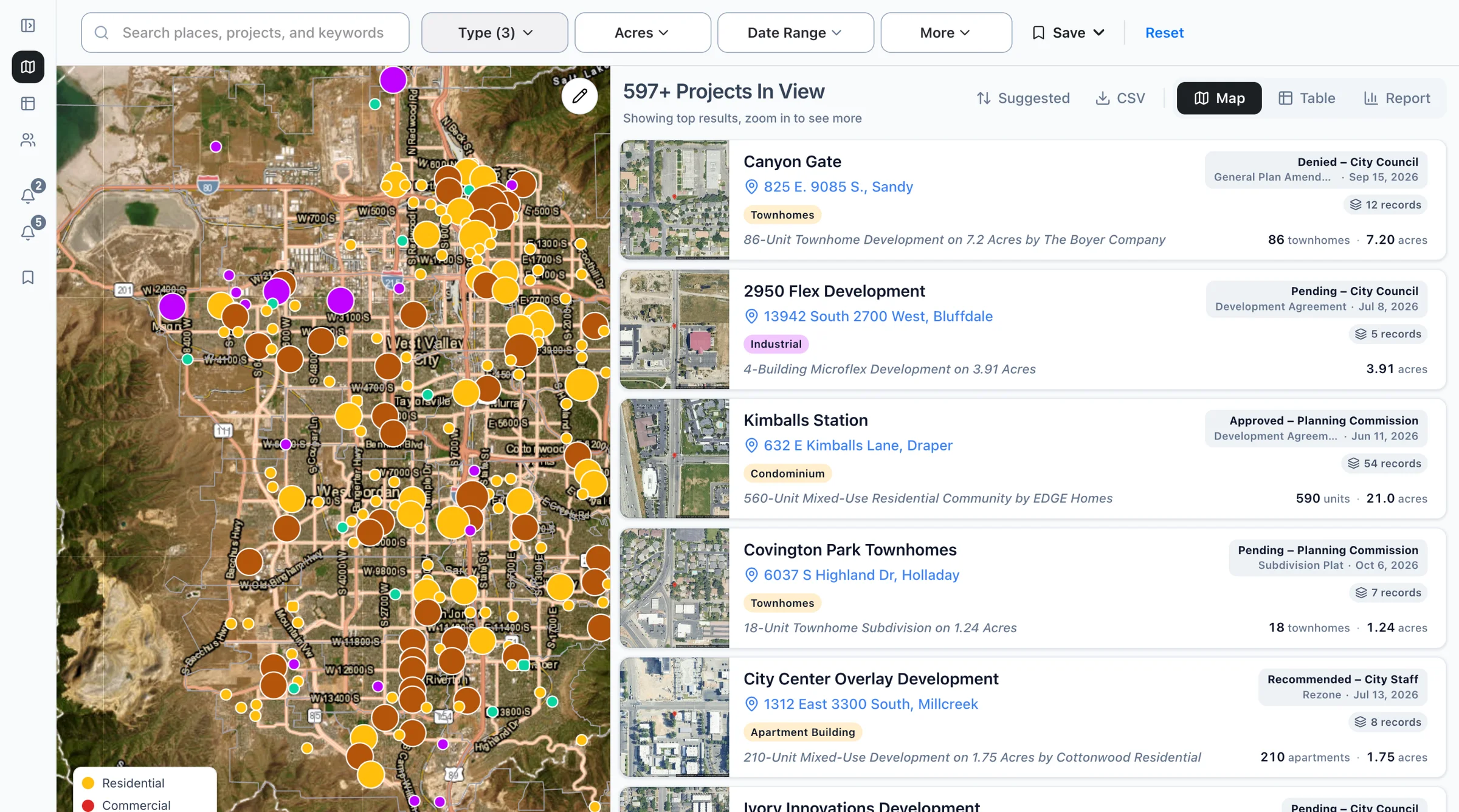
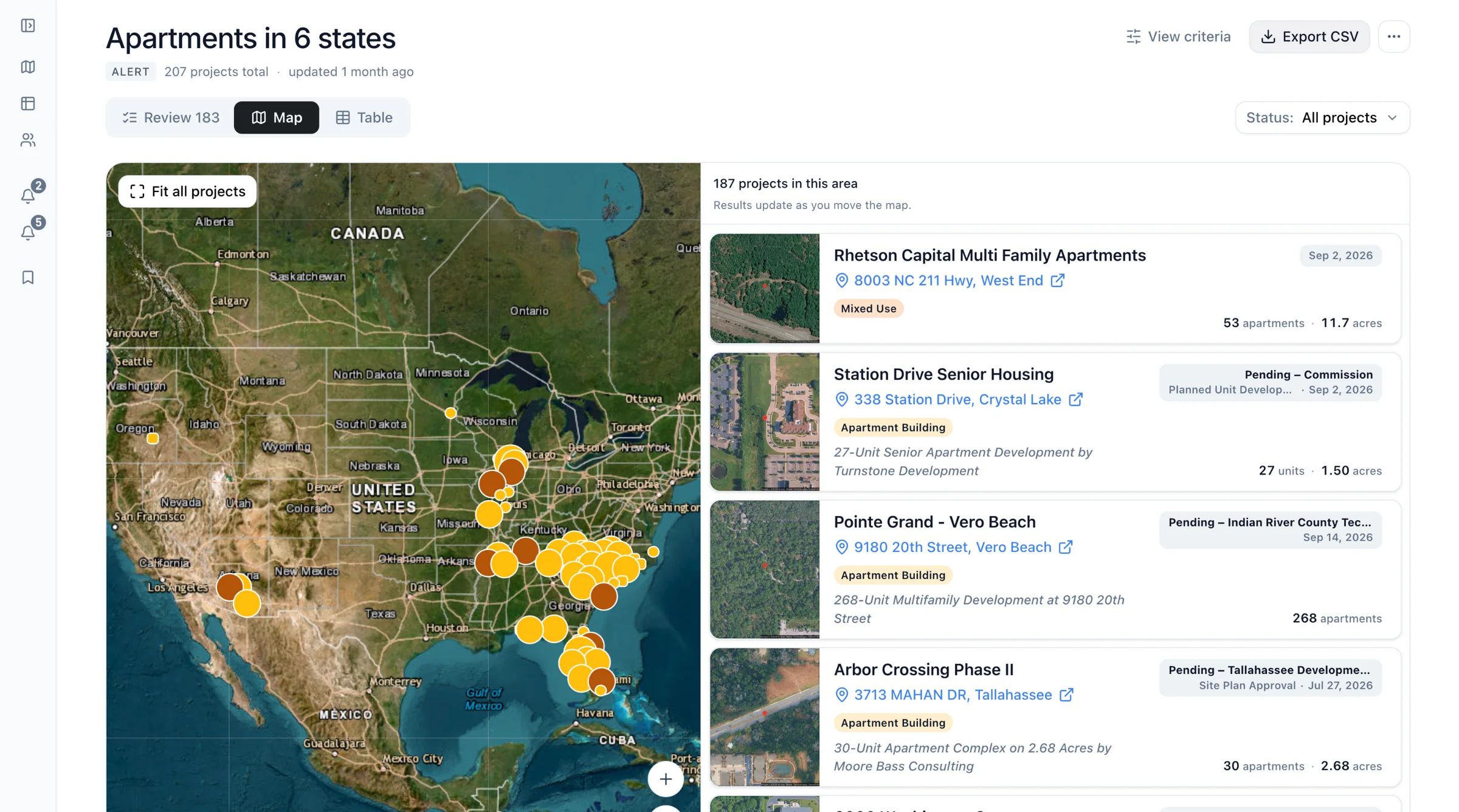
How it works
Set an Alert for your footprint
Pick your states, counties, or cities, choose residential, and set a minimum unit count, like 200+.
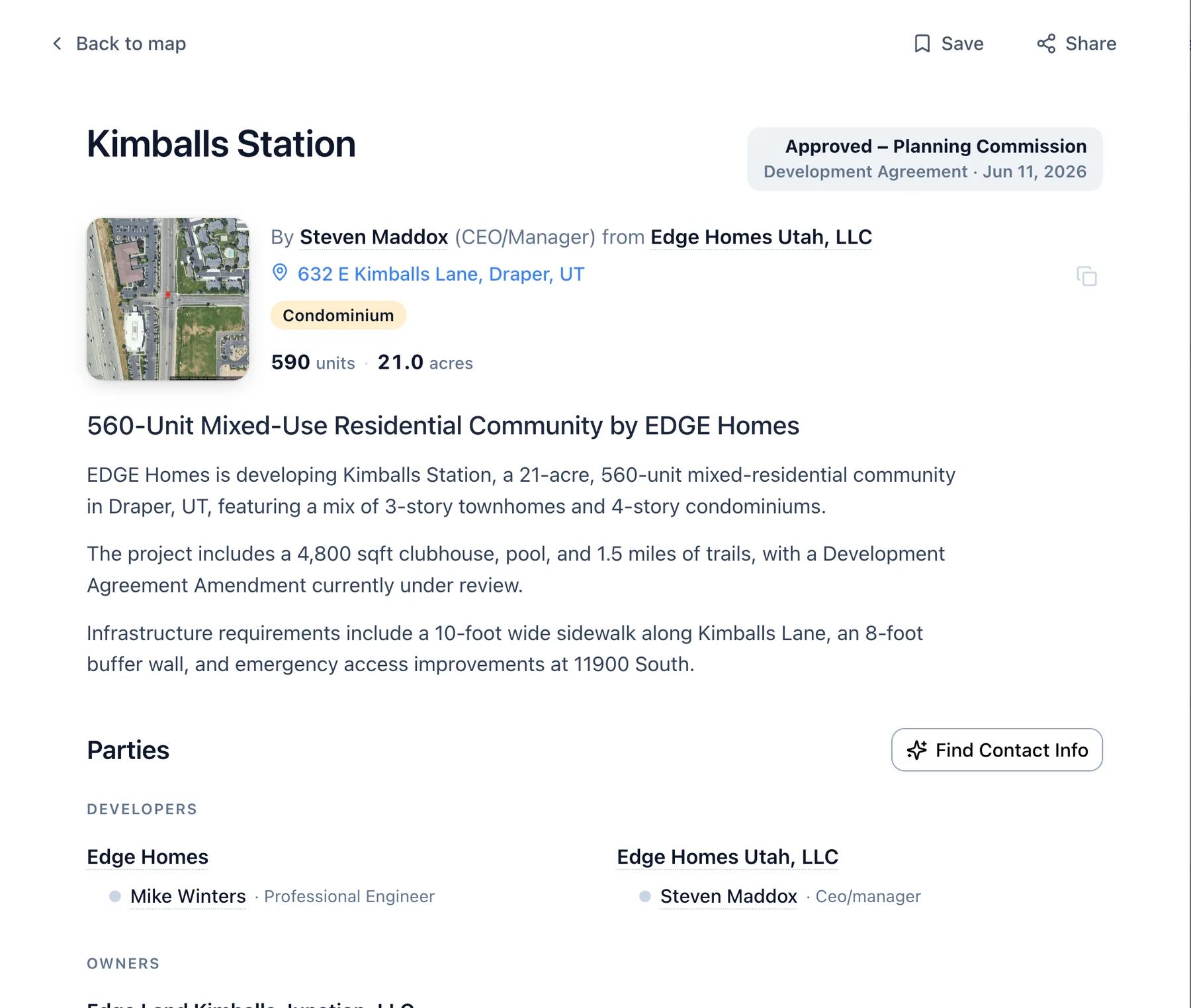
Check each community
See units, acres, stage, and the developer when the filing names them, with a link to the filing.
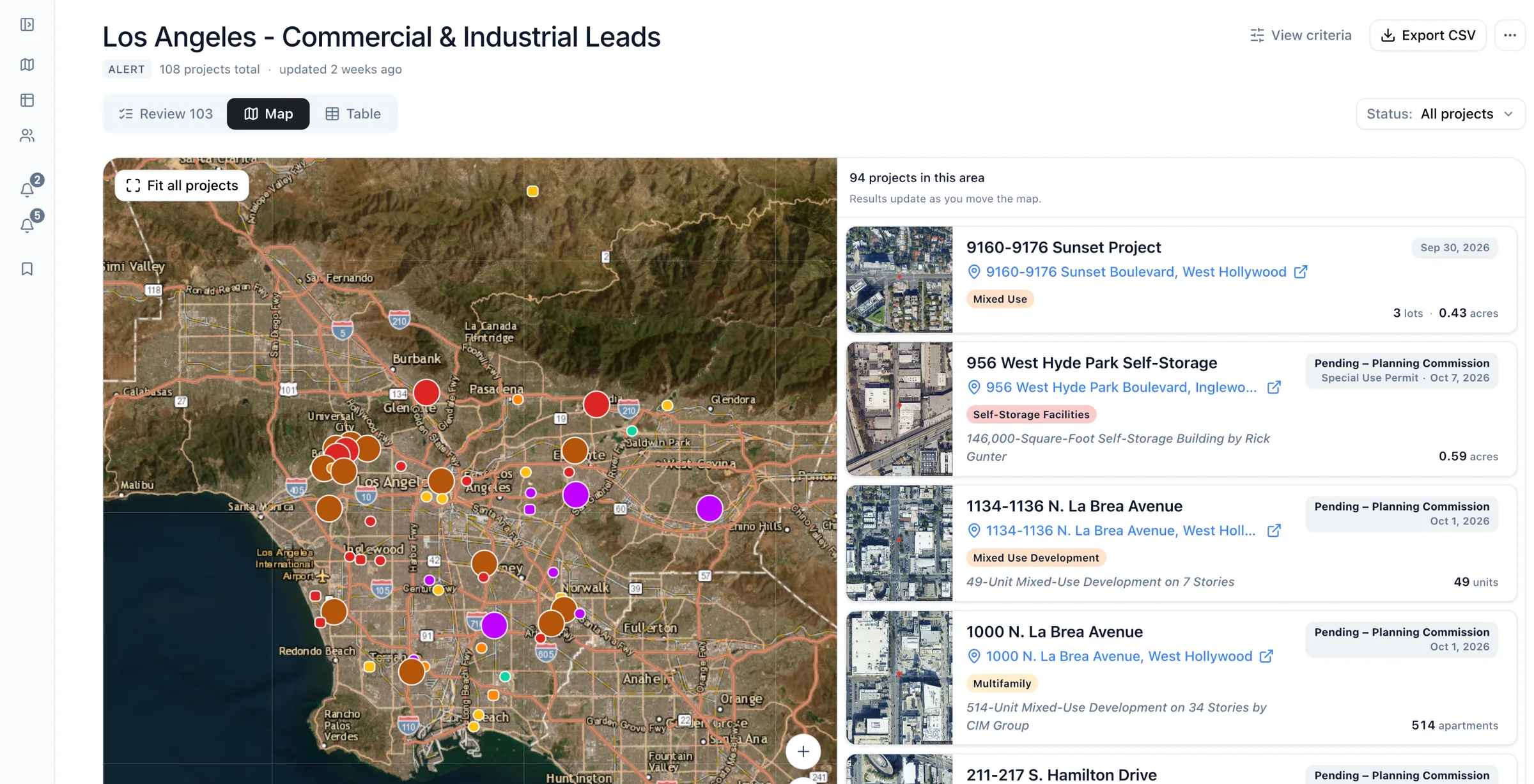
Export to your CRM
Download matches as a CSV your CRM can import, or sync them through the API.
As of Examples built from real recordsHow we count
Common questions
- What if the filing gives acres, not homes?
- Boardwalk shows units only when the filing states them, so set a second Alert by acres to catch early filings without a count.
- Does it cover data centers?
- Yes, Boardwalk Alerts can follow the Data Center project type in any state you pick. Add "data center" as a keyword to catch filings classed another way.
- Does it connect to my CRM?
- Boardwalk exports Alerts and Lists to CSV, which most CRMs can import. For a steady feed, the API returns new and changed projects.
See new communities before service is needed.
Pick the counties where your network is growing.